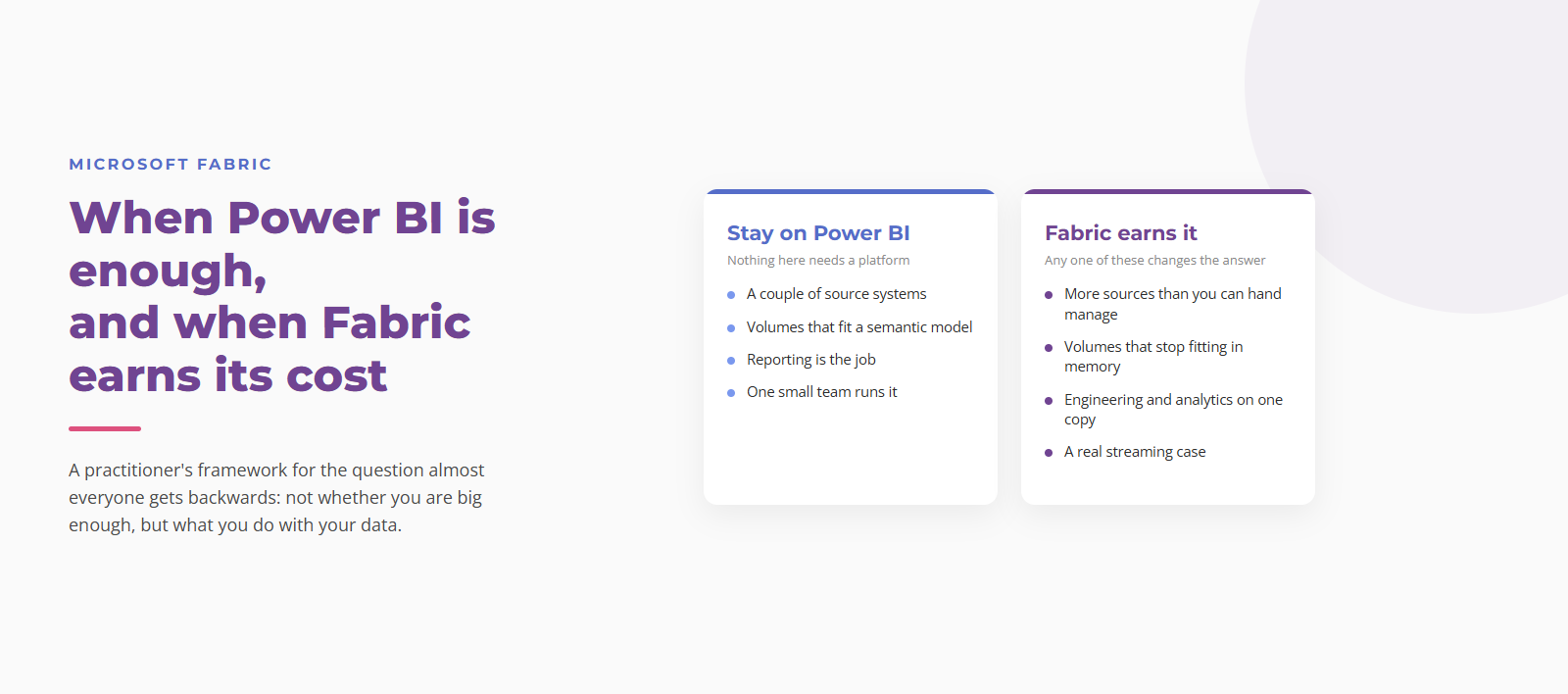
The most useful thing I told a client recently was that they should not buy Microsoft Fabric.
They came to me already sold. They had heard about it, they wanted it, and they were asking me for a migration plan. Then we looked at what they actually had: two source systems, and a data volume that fits comfortably inside a Power BI semantic model. What they needed was a well built model and a refresh schedule that holds.
I tell that story first because it is the exception, and because a Microsoft Solutions Partner saying no to the Microsoft product is worth about thirty seconds of your attention.
But it was the exception. In most of the assessments I run, the answer comes back yes, and increasingly the more interesting question is not *whether* but *when*. Because the thing almost nobody weighs properly is the asymmetry: starting on Fabric early and staying small is cheap, and moving to Fabric later, after three years of growth, is not.
This post is the framework I use to make that call, written out in full so you can apply it yourself.
The question is really two questions
“Should we move to Fabric?” collapses two decisions that have different answers and different evidence behind them.
The first is whether your workloads need a platform, or whether they need a better version of the reporting tool you already own.
The second only matters if the first came back yes: what shape the platform takes, which mostly comes down to Warehouse or Lakehouse.
Take them in order. Answering the second one first is how people end up with an architecture diagram for a problem they never confirmed they had.
The axis is not company size
Before the conditions, one correction, because it is the single most common way this decision gets framed badly.
The dividing line is not how big your organization is. It is what you do with your data. There are large organizations running Power BI Premium beautifully at scale because reporting is genuinely all they do, and there are forty person companies that needed a real platform two years ago because they have machine learning, streaming telemetry and six systems that have to reconcile.
So do not ask “are we big enough for Fabric yet”. Ask “how many different things do we need to do with this data, and how fast is that number growing”. Row counts grow predictably and are rarely what breaks first. Workload variety is what breaks things, and it grows in steps rather than smoothly.
When Power BI is genuinely enough
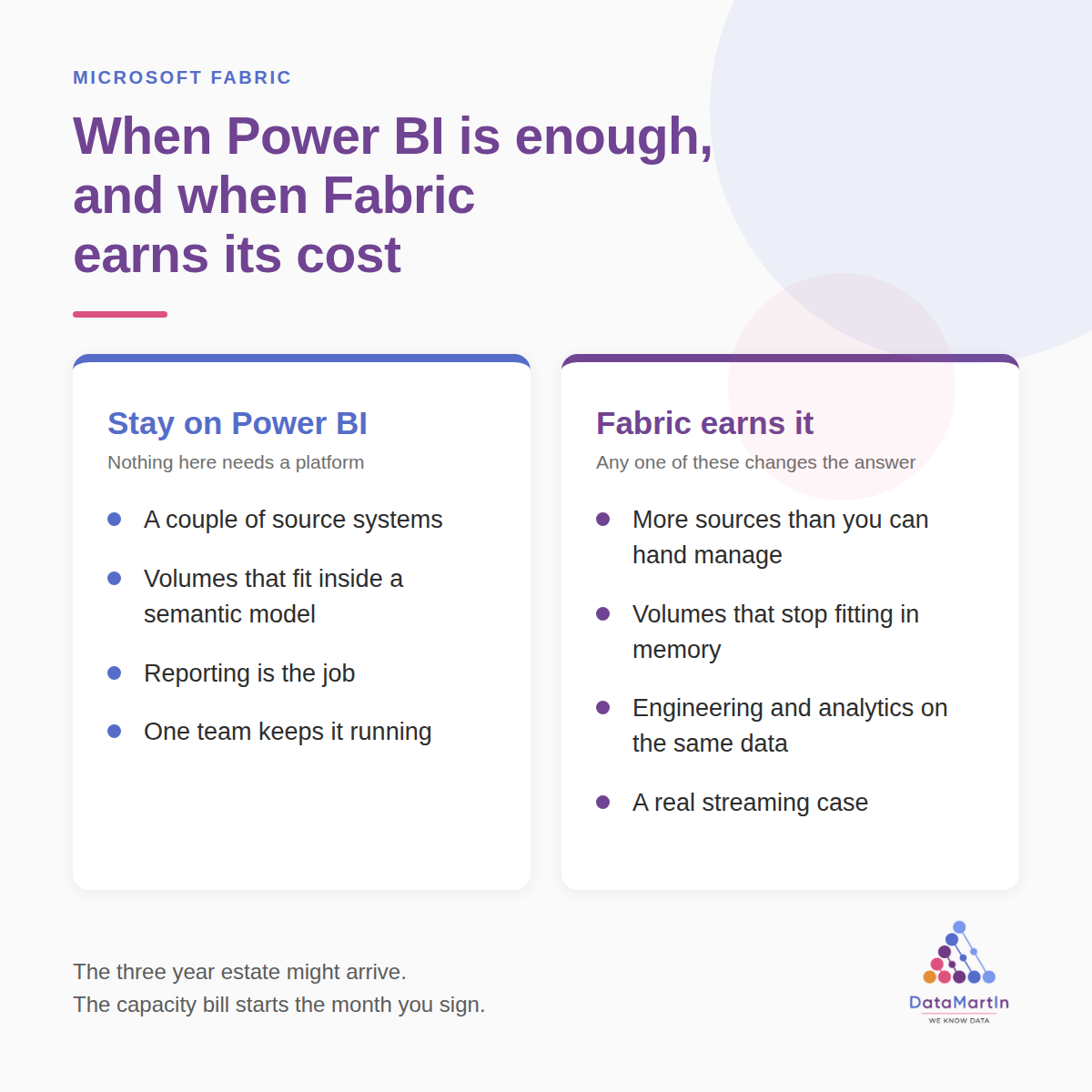
Four conditions. If all four describe you *and you expect them to keep describing you*, buying Fabric today is very likely premature. That second clause is doing real work and I will come back to it.
You have a handful of source systems, and a person can name them all. Two, three, maybe four. An ERP, a CRM, a couple of spreadsheets that matter more than anyone will admit. Power Query handles this.
Your data fits inside a semantic model. Import mode compresses aggressively and the practical ceiling is much higher than most people assume. If your fact table is in the low tens of millions of rows and your refresh completes inside its window, you have not hit the wall. You have heard about the wall.
Reporting is the job. Dashboards, scheduled refreshes, some paginated reports. Nobody is asking for machine learning on this data, nobody is streaming anything, and no engineer needs to work on the same tables your analysts use.
One team keeps it running, and that team is small. A capacity is an operational surface. Somebody has to watch consumption, respond to throttling, size the SKU, and understand why a notebook left running has eaten the month. This is not hypothetical overhead: the three layers of pipeline monitoring we deploy on every Fabric engagement exist because somebody has to own each of them. If that somebody does not exist, buying the platform creates a job before it creates value.
If that is you today and you have no reason to think it changes, fix the model, fix the refresh, document the manual steps, and revisit in a year.
When Fabric earns it
Any one of these changes the answer. Not all four. One is enough.
More sources than you can hand manage. The threshold is not a number, it is the point at which adding a source means a week of work and a new set of undocumented dependencies. Once ingestion itself is the bottleneck, you need a platform that treats ingestion as a first class thing rather than an afterthought inside a report.
Volumes that stop fitting in memory. Refreshes running past their window. Models you have started trimming to keep them loading. Analysts quietly building their own extracts because the real one is too slow.
Engineering and analytics need the same data. When data scientists want the same tables the finance team reports on, the usual outcome is two copies that disagree by Thursday. OneLake exists to make that one copy, readable by Spark and T-SQL at the same time, without a pipeline in between.
A real streaming case. Real means someone acts within minutes and the business changes because of it. Fraud signals, equipment telemetry, inventory moving faster than a nightly batch. It does not mean an executive said they wanted a real time dashboard and then looked at it twice.
The argument for starting earlier than you think
Now the part that the “wait until you need it” framing gets wrong, and the reason I recommend Fabric more often than that framing would suggest.
Governance is the thing you cannot retrofit cheaply.
Here is what actually happens to an organization that grows on Power BI alone. Not in theory, in every estate of this kind I have walked into. Workspaces multiply until nobody can say who owns which. The same measure gets defined four different ways by four different people, and all four are live. Sensitivity labels are applied by whoever remembered, which means unevenly. Nobody can trace where a number came from, so every disputed figure becomes an archaeology project. And there is one gateway, on one machine, that one person understands.
None of that is a Power BI failing. It is what happens to any tool used past the point where it had structure imposed on it.
Fabric gives you the structure as a starting condition rather than a rescue project. Domains group workspaces by business area with their own owners. OneLake security applies role based access at the folder, table, row and column level. Default sensitivity labels can be set at tenant, domain and workspace scope, so new items are classified on creation whether or not anyone remembers, which is the difference between governance that works and governance that is a policy document. Lineage shows every upstream source and downstream dependency, and impact analysis tells you what breaks before you change something.
Turning that on in year one, while you have twelve workspaces, is an afternoon. Imposing it in year four across ninety workspaces built by people who have since left is a project with a budget and a steering committee. The same asymmetry applies to something as mundane as naming: the five naming rules that hold up in production cost nothing to adopt on day one and are close to unenforceable once a few hundred items exist.
And the migration asymmetry is real. Moving to Fabric later does not just mean buying a capacity. It means rebuilding ingestion, re-pointing every report, redoing security, and running both estates in parallel while the business keeps operating. Starting there and growing into it costs a fraction of that, because the expensive part was never the licence, it was the parallel run.
So if you are genuinely projecting growth, “not yet” and “not right” are different answers, and it is worth being clear which one you are giving.
What it actually costs to start
This is where the “wait until you need it” instinct usually comes from, and where the numbers are widely misunderstood in both directions.
Fabric capacity is priced per capacity unit per hour and bills continuously while the capacity is running, whether or not anyone uses it. It is closer to renting a machine than to a consumption based service. That much is true and worth knowing.
But the entry price is not the enterprise number people have in their heads. As of September 2026, in US regions and US dollars, the smallest capacity (F2) runs roughly 260 dollars a month on pay as you go, or roughly 155 dollars a month on a one year reservation. Prices vary by region and by your Microsoft agreement, so check the Azure pricing calculator for your own figures.
At that level, “establish the platform properly now” is a decision in the low hundreds per month, not a capital project. That is the number that should be in the room when someone says it is too early.
Two caveats that decide the real total.
Below F64, report viewers still need their own licence. On capacities smaller than F64, everyone viewing Power BI content needs Pro (14 dollars per user per month) or Premium Per User (24 dollars). At F64 and above, users with a free licence and a viewer role can view content. That is Microsoft’s documented rule and it is a cliff rather than a slope. So the honest entry cost for a fifty person organization is a capacity plus fifty Pro licences, and you should do that arithmetic before you quote anyone a number.
F64 is where it stops being small. Roughly 8,400 dollars a month pay as you go, around 5,000 reserved. The real comparison for an organization with many report consumers is a three way one: F64 with no viewer licences, versus a smaller capacity plus a Pro licence for everyone who opens a report, versus Power BI Pro alone. Those three can land in a very different order depending on headcount, and working out which order is a twenty minute exercise people routinely skip.
Two things soften the bill. A one year reservation takes a substantial amount off the pay as you go rate. And F SKUs can be paused from the Azure portal, which stops billing, so a development capacity does not have to run at nights and weekends.
One thing that is easy to miss: watching the capacity is itself a workload that consumes capacity. I measured it, and what monitoring your Fabric capacity actually costs is small but not zero, which matters more at F2 than at F64.
The two failure modes, and they point opposite ways
Buying for the estate you imagine having in three years. Provisioning an F64 for a headcount and a workload you do not have yet, because the three year story is more interesting than the current one and the people selling platforms are fluent in it. The three year estate might arrive. The bill starts the month you sign.
Deferring the foundation until the pain is undeniable. Staying on Power BI through the growth, because each individual month it is not yet broken, and arriving at year four with ninety ungoverned workspaces and a migration that now has to happen under pressure.
These are not the same mistake and the fix is not a compromise between them. It is a distinction: size the capacity to today, and set the structure for tomorrow. An F2 with domains, labels and a workspace convention in place is a completely different position from an F64 bought on a projection, and also a completely different position from twelve unstructured Power BI workspaces. Start small, start organized, scale the SKU when the load tells you to. Resizing a capacity is a portal operation. Retrofitting governance is not.
If the answer is yes: Warehouse or Lakehouse?
This usually gets settled by the wrong thing, namely whichever one the team read about most recently. Microsoft’s own decision guide comes down to three questions, and they are the right three.
Who writes the transformations? SQL analysts working in T-SQL pulls toward Warehouse. Engineers in Spark notebooks pulls toward Lakehouse. This sounds like a soft criterion and it is the most predictive one on the list, because a platform your team cannot maintain is a platform you will pay a consultancy to maintain.
Do you need multi-table transactions? Warehouse gives full T-SQL including inserts, updates, deletes and transactional guarantees across tables. A Lakehouse gives a SQL analytics endpoint that is read only: you query with T-SQL and create views and functions, but you write through Spark. If your load genuinely depends on updating several tables together and rolling back cleanly if one fails, that is a Warehouse requirement, not a preference.
What shape is the data on arrival? Structured rows from an ERP behave differently from files, logs and JSON exports. Structured only points to Warehouse. Mixed, or “we are not sure yet”, points to Lakehouse, which is also Microsoft’s stated default when the answer is unknown.
Then the part that lowers the stakes: you can run both in one workspace, both store Delta tables in OneLake, both use the same SQL engine underneath, and you can shortcut between them without copying data. A Lakehouse for landing and transformation with a Warehouse for the curated serving layer is a common and entirely sensible pattern, and it is the shape of the Fabric architecture I use for financial institutions, where the governance requirements are strict enough that the separation earns itself.
So this is rarely as irreversible as people treat it. It is still worth ten minutes of honest answering, because rework in week twelve is expensive in a way rework in week one is not.
The boundary moves
One caveat on all of the above. The line between “Power BI is enough” and “Fabric earns it” is not fixed, and it has been moving in one direction. Direct Lake lets Power BI read Delta tables in OneLake without importing or falling back to DirectQuery, which changes the volume maths. Capacity pricing changes. Features that sat in a premium tier last year sit lower this year.
I can point at my own back catalogue for this. I wrote a four part series on Fabric licensing in late 2023, and while the way of thinking still holds, several of the specifics in it have since been overtaken. That is the nature of the subject, and it is why the figures above carry a date. Whatever is current tends to surface at the conferences first, which is most of what I brought home from FabCon and SQLCon this year.
So the answer has a date on it. If someone told you two years ago that Fabric was not worth it for your estate, that conclusion is worth re-testing rather than inheriting.
How to actually decide
Three steps, about a day of effort.
- Draw your current estate on one page. Every source system, how data moves between them, and every hand off that depends on a person remembering to do something. The manual steps are the finding, and there are always more than the org chart suggests.
- Write down the problem with a number attached. Not “our reporting is slow” but “month end close takes nine days and four of them are reconciling two ERP systems by hand”.
- Then answer a timing question, not a yes or no. There are three honest answers:
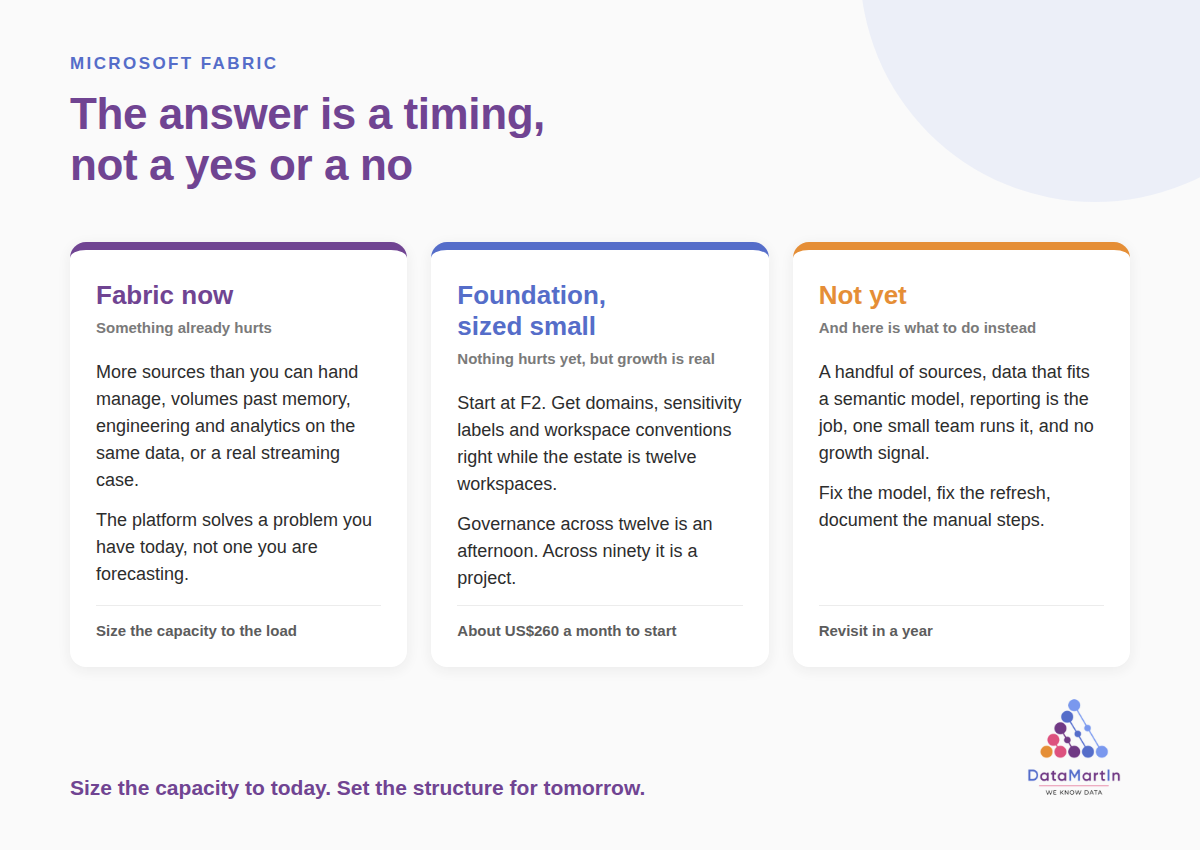
Fabric now. One or more of the four conditions already describes you. The platform is solving a problem you have today.
Fabric as the foundation, sized small. None of the four describes you yet, but you are projecting growth in workload variety, and you would rather establish structure while the estate is twelve workspaces than ninety. Start at F2, get domains and labels and conventions right, scale the SKU when load demands it. For a growing organization this is more often the right answer than the “wait until it hurts” advice suggests.
Not yet, and here is what to do instead. All four conditions describe you, you have no growth signal pointing at new workloads, and the honest recommendation is to fix the model and the refresh and revisit in a year.
The third answer is real and I give it. It is just not the most common one.
If you would rather not do it alone
I run a free assessment called Can Fabric Help Me. Three sessions, one hour each, over three weeks.
Session one, we map what actually happens in your estate today, and you get that one page diagram back within 48 hours. Session two, I come back with a verdict against the problem you named, in one of the three forms above. Session three, if there is a fit, target architecture, a phased roadmap and a real capacity cost range.
You keep the written report either way, including the version that says do not hire me yet.
It is three a month, because I run every session myself rather than handing you to a junior with a templated deck. That is the point of it and also the limit of it.
See what is involved and apply
Sources and further reading
- Understand Microsoft Fabric licenses and capacity (the F64 viewer licensing threshold)
- Get started with Fabric governance (domains, labels, lineage, impact analysis)
- Domain-level default sensitivity labels
- Microsoft Fabric decision guide: choose between Warehouse and Lakehouse
- Pause and resume your Fabric capacity
- Power BI pricing